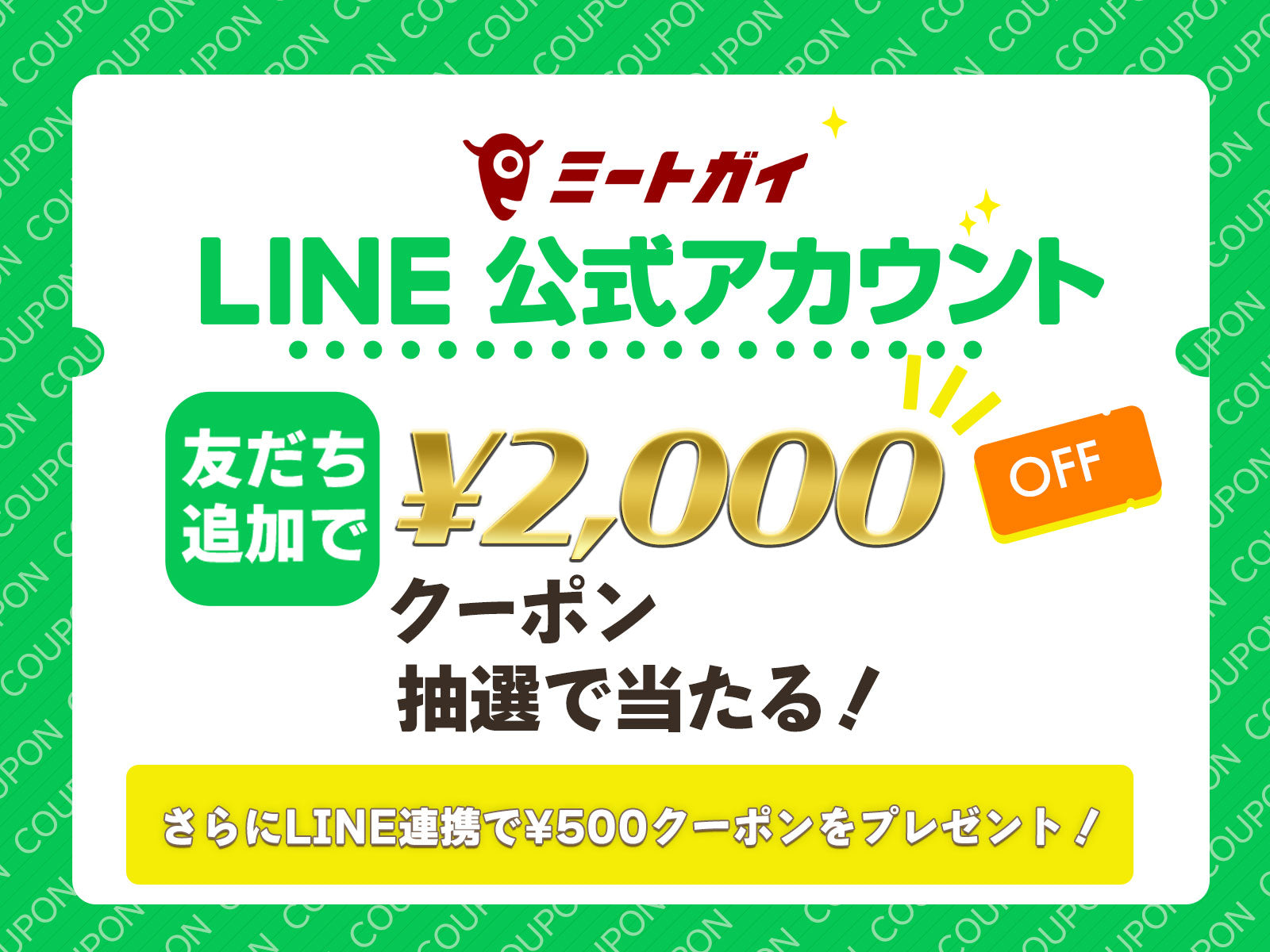
Add LINE Friend and Link Your ID to Get a "500yen OFF Coupon"

Thank you for shopping at The Meat Guy Online Store.
We are now introducing a new LINE ID linking feature. LINE's rich menu allows you to easily link with your LINE ID, and you can receive notifications via LINE message about restocks, low stocks, and price reductions for your favorite items.
Take this opportunity to link your LINE ID to make your shopping experience more convenient and enjoyable!
Get a "500yen OFF COUPON" Now!
We are currently offering a 500 yen off coupon to customers who link their LINE ID!
*Due to system, it may take up to an hour for the link bonus coupon to be delivered. Please wait a while before checking your LINE message.
To use the coupon, tap the coupon image in the LINE message or enter the coupon code on the payment screen.
Seasonal Picks and Recipes also Available!
On LINE, we also deliver seasonal picked items, easy and delicious recipes, and sale information. Don't miss out on the latest "delicious and great deals" from The Meat Guy!
How to add friends and link to the official Meat Guy LINE account


- STEP 1 Add a friend and tap "LINE Link" from the menu
Search for "Meat Guy" on LINE or add the official account as a friend here . After adding, tap the "Link to LINE" button in the top center of the rich menu. - STEP 2 Log in to the official website <br>Log in to the Meat Guy official website and access your profile page.
- STEP 3 Open your profile page <br>Select "Profile" from the menu (hamburger button) at the top left of your My Page.
- STEP 4 Tap the "Link" button <br>Tap the "Link" button for LINE from the "Various Links" column in the middle of the profile page.
*Display may be delayed depending on the communication environment.

- STEP 5: Allow necessary permissions
Once the LINE app is launched, you will be asked to allow linking of your profile information and user ID. Tap "Allow." - STEP 6 Tap the "Back" button within LINE <br>Follow the instructions on the screen and tap the "Back" button.
- STEP 7 Tap the "Back" button on the Me Guy Online Store <br>Once you return to your browser, tap the "Back" button again.
- STEP 8 Confirm connection <br>Open your profile page again and check that the LINE item is marked as "Connected."

- STEP 3 Open your profile page <br>Select "Profile" from the menu at the top left of your My Page.
- STEP 4 Tap the "Link" button <br>Tap the "Link" button for LINE from the "Links" column in the middle of the profile page.
*Display may be delayed depending on the communication environment.

- STEP 5: Allow necessary permissions
Once the LINE app is launched, you will be asked to allow linking of your profile information and user ID. Tap "Allow." - STEP 6 Tap the "Back" button within LINE <br>Follow the instructions on the screen and tap the "Back" button.

- STEP 7 Tap the "Back" button on The Meat Guy Online Store <br>Once you return to your browser, tap the "Back" button again.
- STEP 8 Confirm connection <br>Open your profile page again and check that the LINE item is marked as "Connected."
LINE ID Link Coupon Terms of Use
・The coupon has an expiration date. It's valid for 30 days from the date of distribution, so please use it within the expiration date.
・The coupon can only be used once per person.
・Please note that coupon distribution and use may end without notice.